How do I change my system name?

How do I change my system name?
Read the steps to change your Enphase system name
To change the system name, perform the following steps:
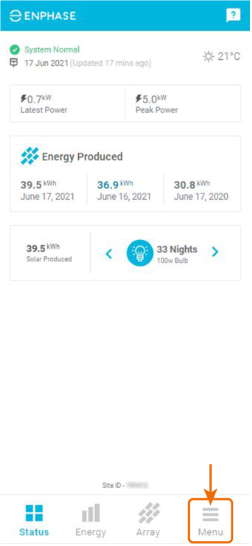
- Navigate to the 'Menu' tab.
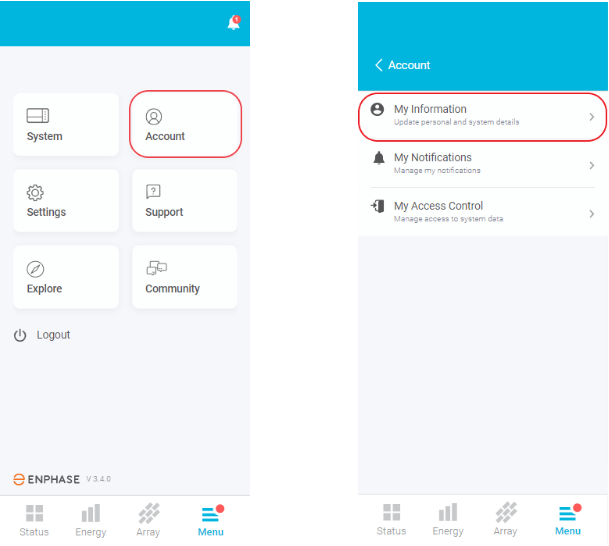
2. Under the Account drop-down, please select 'My Information'.
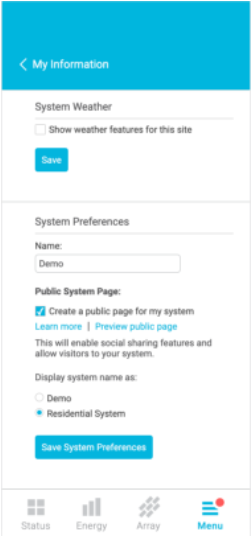
3. Scroll down to 'System Preferences' under System Information. Change the name of your system and click on Save System Preferences.